Autel MaxiVCI V200 | VCI200 Wireless OBD2 Connector Adapter, Car Communication Interface, Work with Autel Diagnostic Scanners MS906 PRO/ MS906 PRO-TS, MK906 PRO/MK906 PRO-TS, ITS600, KM100/ BT608/ BT609
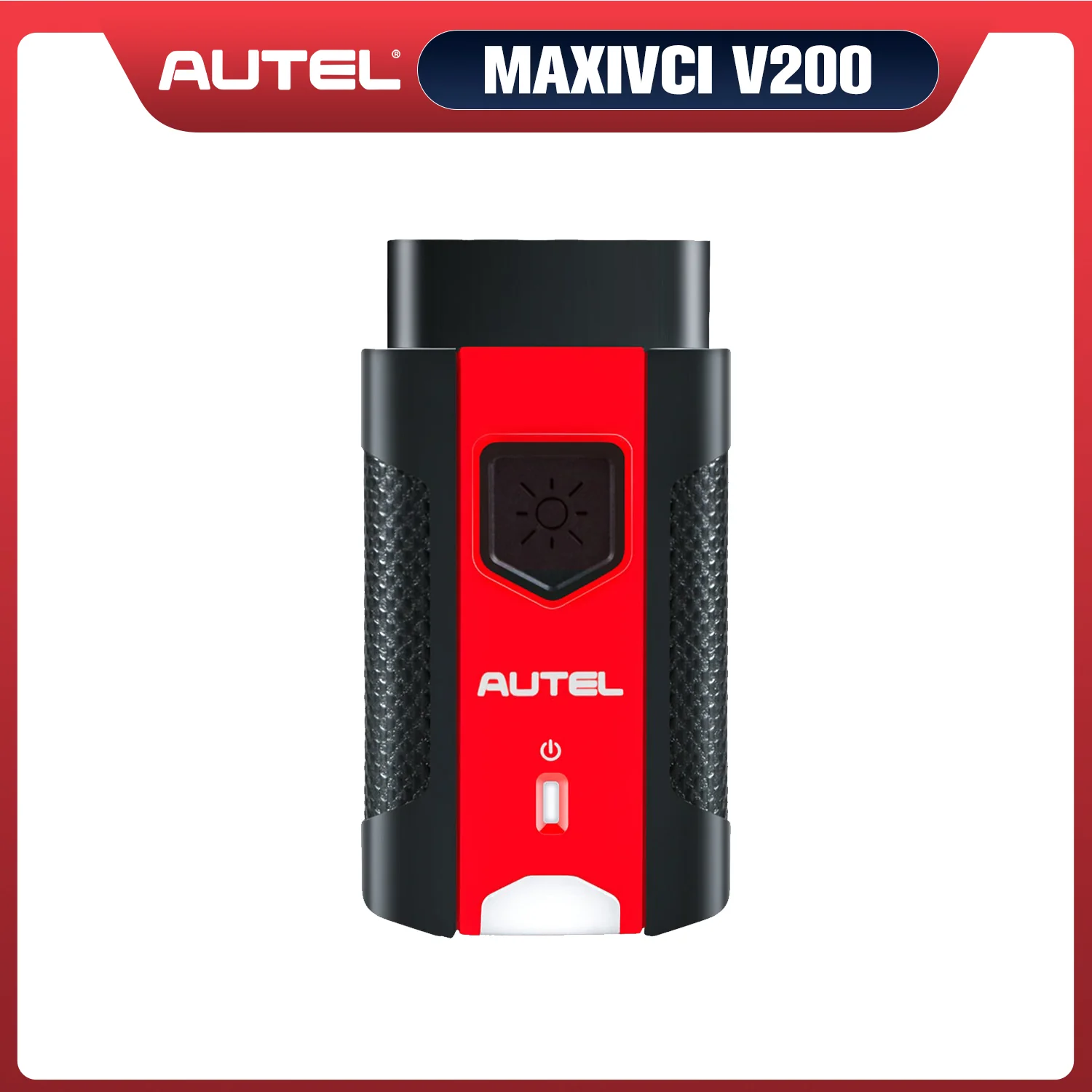
Autel MaxiVCI V200 | VCI200 Wireless OBD2 Connector Adapter, Car Communication Interface, Work with Autel Diagnostic Scanners MS906 PRO/ MS906 PRO-TS, MK906 PRO/MK906 PRO-TS, ITS600, KM100/ BT608/ BT609
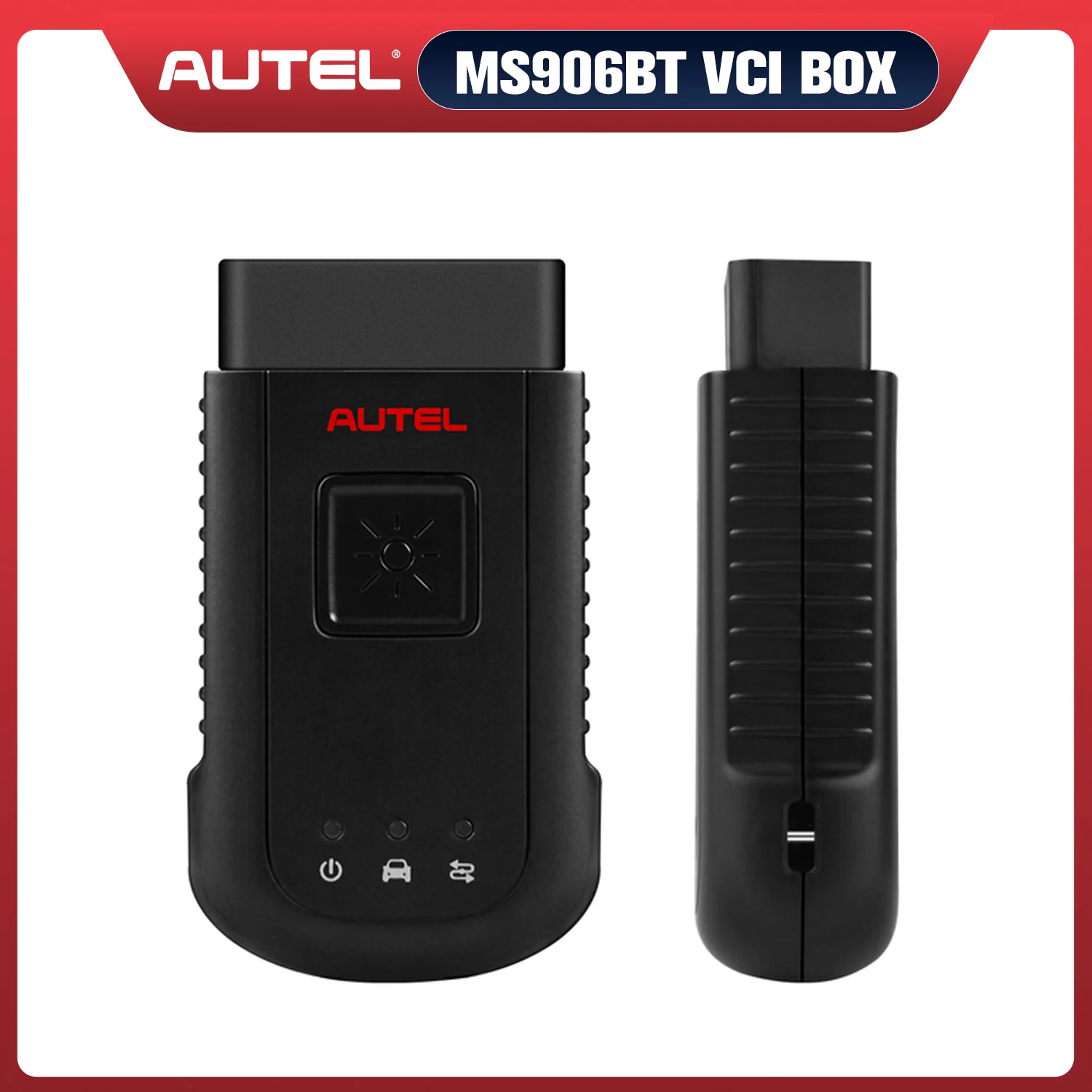
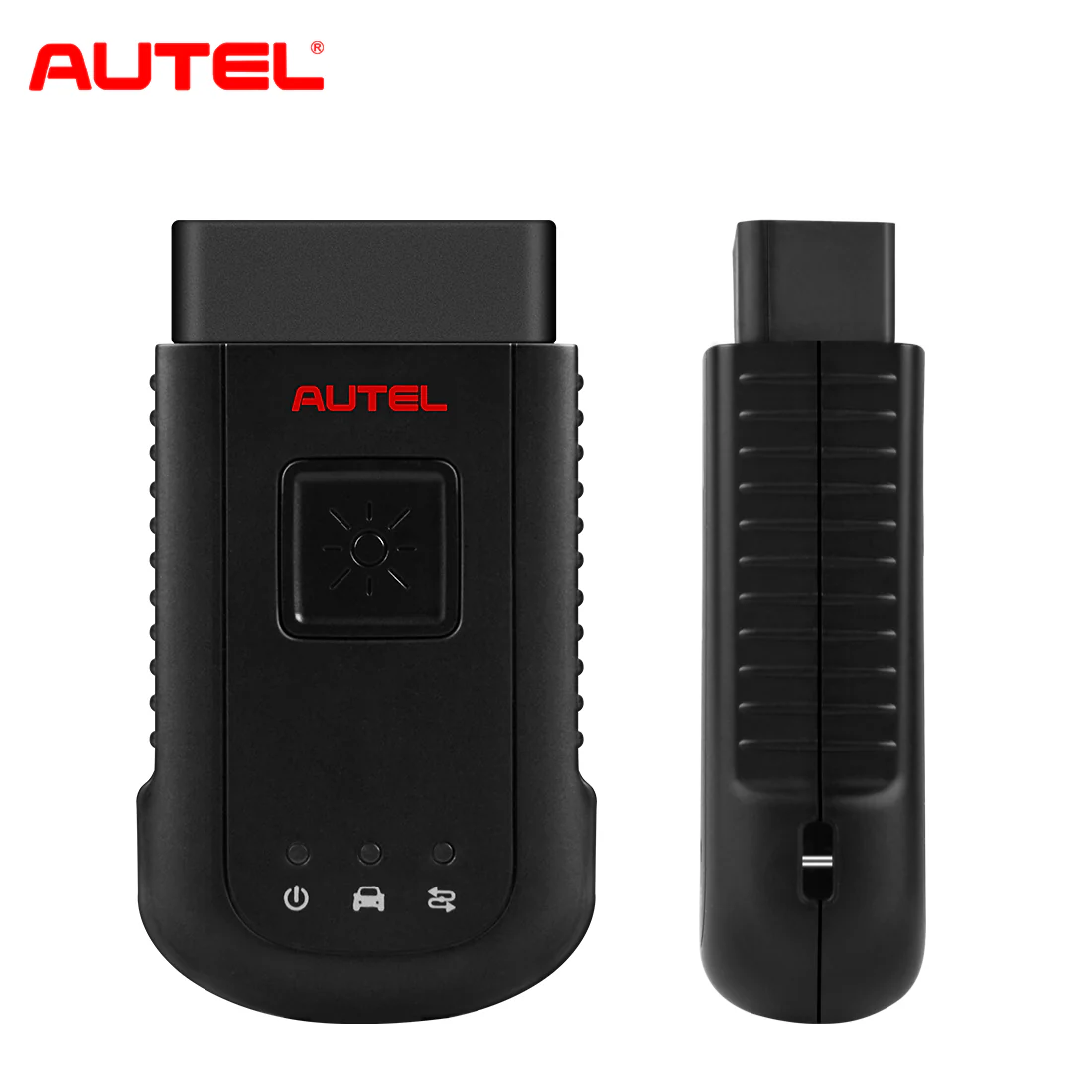
Autel MaxiVCI V200 Bluetooth Vehicle Communication Interface
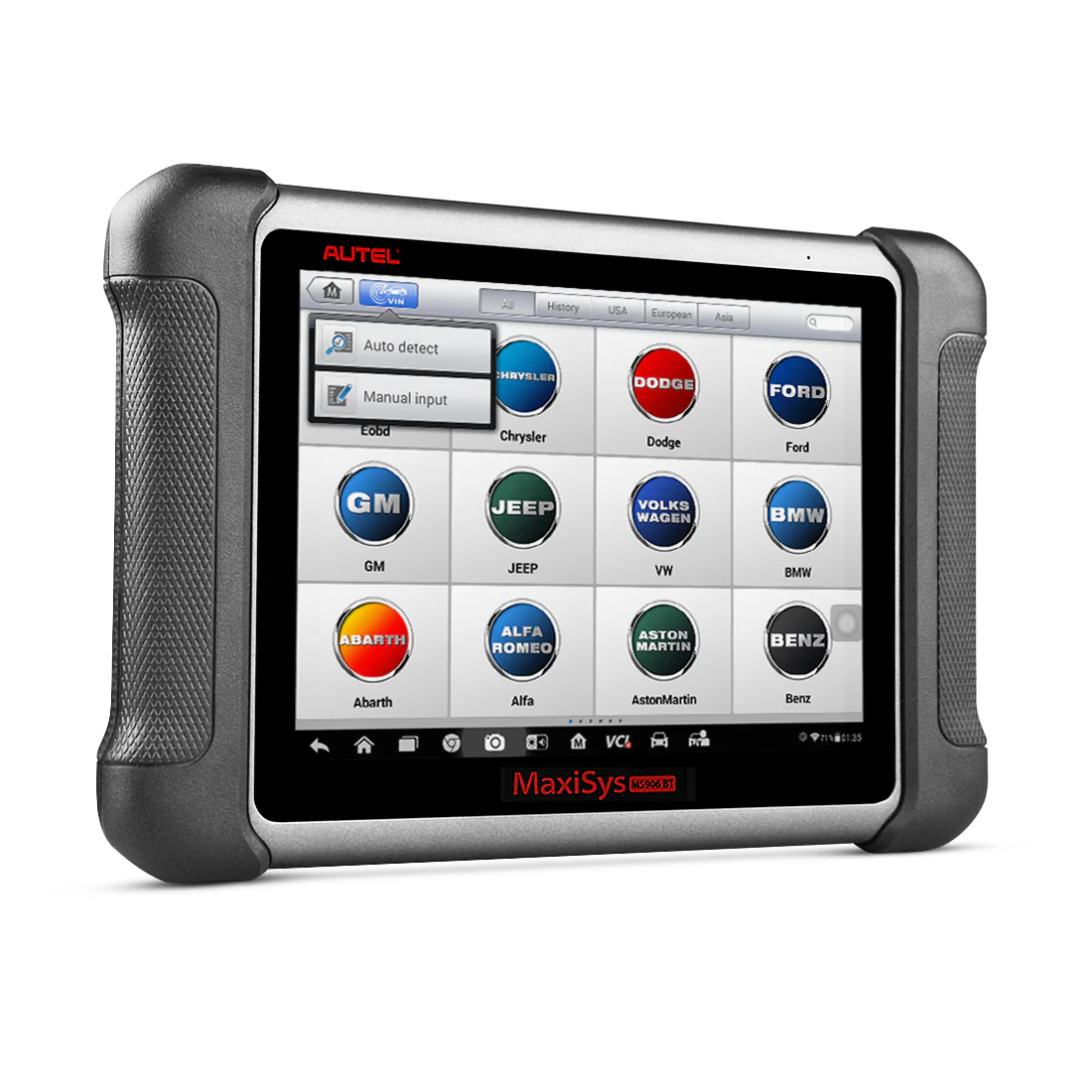
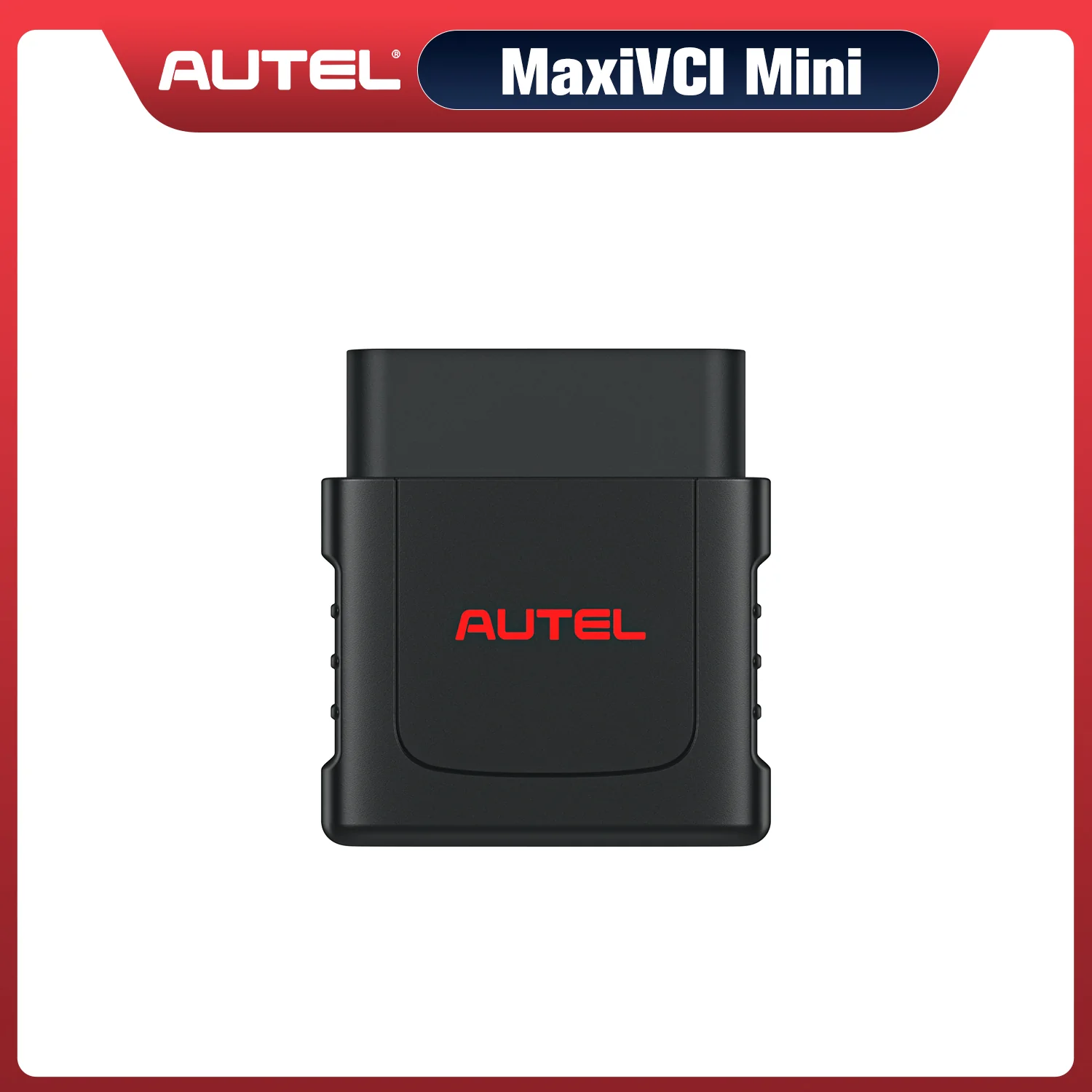
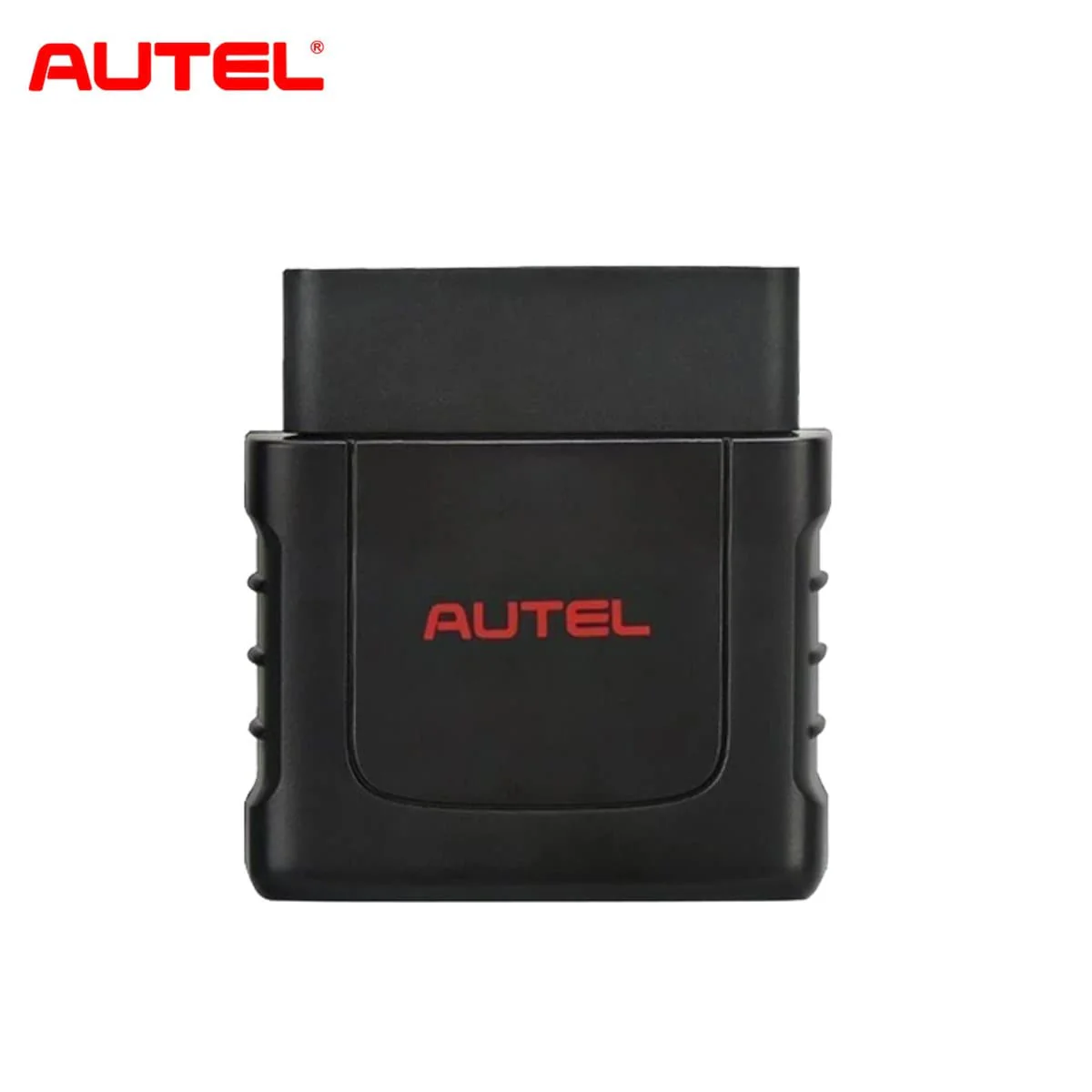
Autel MaxiVCI V200 is the VCI (Vehicle Communication Interface) device. MaxiVCI V200 is compatible with Autel MaxiCOM MK906 Pro, MK906 PRO-TS, MaxiSys MS906 PRO, MS906 PRO-TS, KM100, BT608, BT609, ITS600 to do vehicle diagnoses.

Autel MaxiVCI V200 OBD OBD II Bluetooth Connector
- Autel MaxiVCI V200 OBD OBDII Connector is compatible with 2025 latest car scanners, such as Autel MS906 Pro/ MK906 Pro/ MS906 Pro-TS/ MK906 Pro-TS/ BT608/ BT609/ ITS600/ KM100 etc.
- With this V200 wireless connector, some scanner support DO IP/CAN FD protocol, thereby expanding vehicle communication, allowing you to diagnose more cars from 1996-2022.
- In addition, V200 also supports CAN, EOBD, OBD, OBDII interfaces, supports CAN FD/ DOIP protocols and becomes data communication bridge between the car and the scanner through V200 Bluetooth connection.

How to connect the vehicle and the scanner?
The Wireless Diagnostic Interface MaxiVCI V200 supports 2 communication methods with the scanner: Bluetooth and USB.
- 1. Insert the Vehicle Data Connector on the MaxiVCl V200 into the vehicle's DLC
- 2. Ensure the tablet is sufficiently charged or is connected to the supplied DC power supply
- 3. Bluetooth Connect / Cable Connect:
- Bluetooth Connect: Pair the scanner with the MaxiVCl V200 via Bluetooth to establish communication link (Select VCI Manager to automatic pair)
- Cable Connect: Connect the scanner and the MaxiVCl V200 using the USB cable.

Autel VCI V200 Wireless Bluetooth Connector LED Description
Power LED Description:
- Yellow: VCl is powered on and performing self-check
- Green: Ready for use
- Flashing Red: Firmware is Updating
Connection LED Description:
- Solid Green: Cable Connected
- Flashing green: Communicating via USB cable
- Solid Blue: Bluetooth Connected
- Flashing Blue: Communicating via Bluetooth

Work with Autel New Scanner
- Work with Autel Diagnostics Scan Tool: MS906 Pro/ MK906 Pro/ MS906 Pro-TS/ MK906 Pro-TS
- Work With Autel Battery Scan Tool: BT608/ BT609
- Autel TPMS Scan Tool: ITS600
- Autel Key Programming Tool: KM100

Original: $199.00
-65%$199.00
$69.65Product Information
Product Information
Shipping & Returns
Shipping & Returns
Description
Autel MaxiVCI V200 Bluetooth Vehicle Communication Interface
Autel MaxiVCI V200 is the VCI (Vehicle Communication Interface) device. MaxiVCI V200 is compatible with Autel MaxiCOM MK906 Pro, MK906 PRO-TS, MaxiSys MS906 PRO, MS906 PRO-TS, KM100, BT608, BT609, ITS600 to do vehicle diagnoses.
Autel MaxiVCI V200 OBD OBD II Bluetooth Connector
- Autel MaxiVCI V200 OBD OBDII Connector is compatible with 2025 latest car scanners, such as Autel MS906 Pro/ MK906 Pro/ MS906 Pro-TS/ MK906 Pro-TS/ BT608/ BT609/ ITS600/ KM100 etc.
- With this V200 wireless connector, some scanner support DO IP/CAN FD protocol, thereby expanding vehicle communication, allowing you to diagnose more cars from 1996-2022.
- In addition, V200 also supports CAN, EOBD, OBD, OBDII interfaces, supports CAN FD/ DOIP protocols and becomes data communication bridge between the car and the scanner through V200 Bluetooth connection.
How to connect the vehicle and the scanner?
The Wireless Diagnostic Interface MaxiVCI V200 supports 2 communication methods with the scanner: Bluetooth and USB.
- 1. Insert the Vehicle Data Connector on the MaxiVCl V200 into the vehicle's DLC
- 2. Ensure the tablet is sufficiently charged or is connected to the supplied DC power supply
- 3. Bluetooth Connect / Cable Connect:
- Bluetooth Connect: Pair the scanner with the MaxiVCl V200 via Bluetooth to establish communication link (Select VCI Manager to automatic pair)
- Cable Connect: Connect the scanner and the MaxiVCl V200 using the USB cable.
Autel VCI V200 Wireless Bluetooth Connector LED Description
Power LED Description:
- Yellow: VCl is powered on and performing self-check
- Green: Ready for use
- Flashing Red: Firmware is Updating
Connection LED Description:
- Solid Green: Cable Connected
- Flashing green: Communicating via USB cable
- Solid Blue: Bluetooth Connected
- Flashing Blue: Communicating via Bluetooth
Work with Autel New Scanner
- Work with Autel Diagnostics Scan Tool: MS906 Pro/ MK906 Pro/ MS906 Pro-TS/ MK906 Pro-TS
- Work With Autel Battery Scan Tool: BT608/ BT609
- Autel TPMS Scan Tool: ITS600
- Autel Key Programming Tool: KM100